

Executive Overview
For modern knowledge workers, content creators, and software reviewers, the keyboard has long been the primary gateway to digital creation. Yet, it is also the ultimate bottleneck. While the human brain can process and articulate thoughts at conversational speeds—averaging well over 150 to 200 words per minute—physical typing speeds typically cap out at a sluggish 40 to 60 words per minute. This discrepancy has fueled a decades-long quest for reliable, frictionless voice dictation.
Enter Voicy, an advanced artificial intelligence speech-to-text application designed to eradicate this mechanical constraint. Promising over 99% accuracy across more than 50 languages, automatic punctuation, and the capacity to dictate text three times faster than typing, Voicy aims to seamlessly integrate into over 20,000 apps and websites. Whether drafting an urgent email in Gmail, coordinating workflows in Slack, building documentation in Notion, or writing code in a terminal, Voicy promises a keyboard-free workflow.

This exhaustive review investigates Voicy’s core architecture, evaluates its real-world performance during intensive testing, weighs its privacy-first model against competitors like Wispr Flow, Speechify Dictation, and Otter.ai, and determines whether it represents the definitive solution for professionals suffering from repetitive strain injuries or typing fatigue.
Detailed Chronology & Onboarding Experience
To understand how Voicy fits into a professional ecosystem, one must analyze its deployment and initialization protocol. Unlike native operating system dictation tools—which are often buried deep within system menus, plagued by mediocre accuracy, and limited to basic text-entry boxes—Voicy operates as an ambient, cross-platform utility layer.
Phase 1: Installation and System Integration
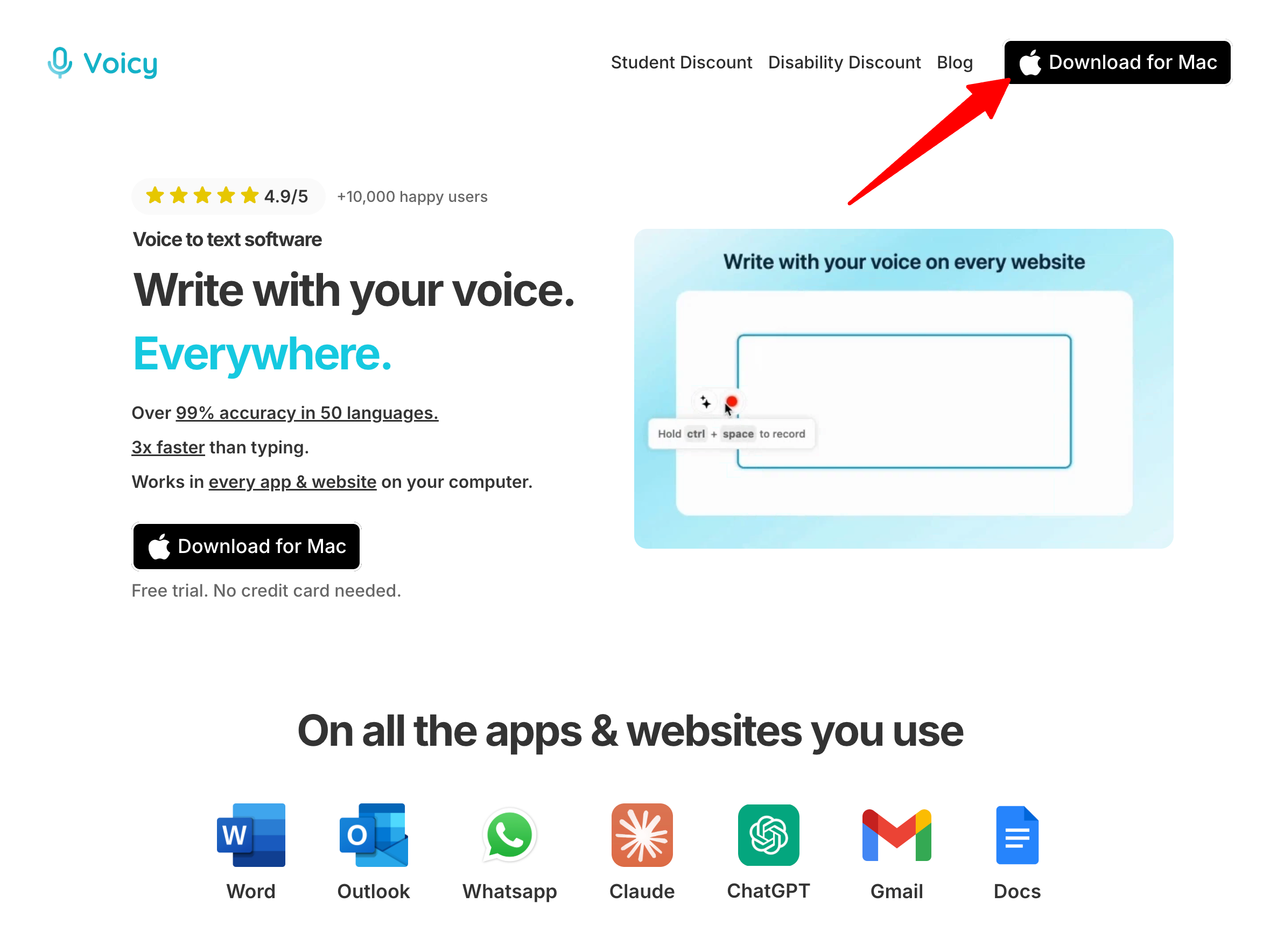
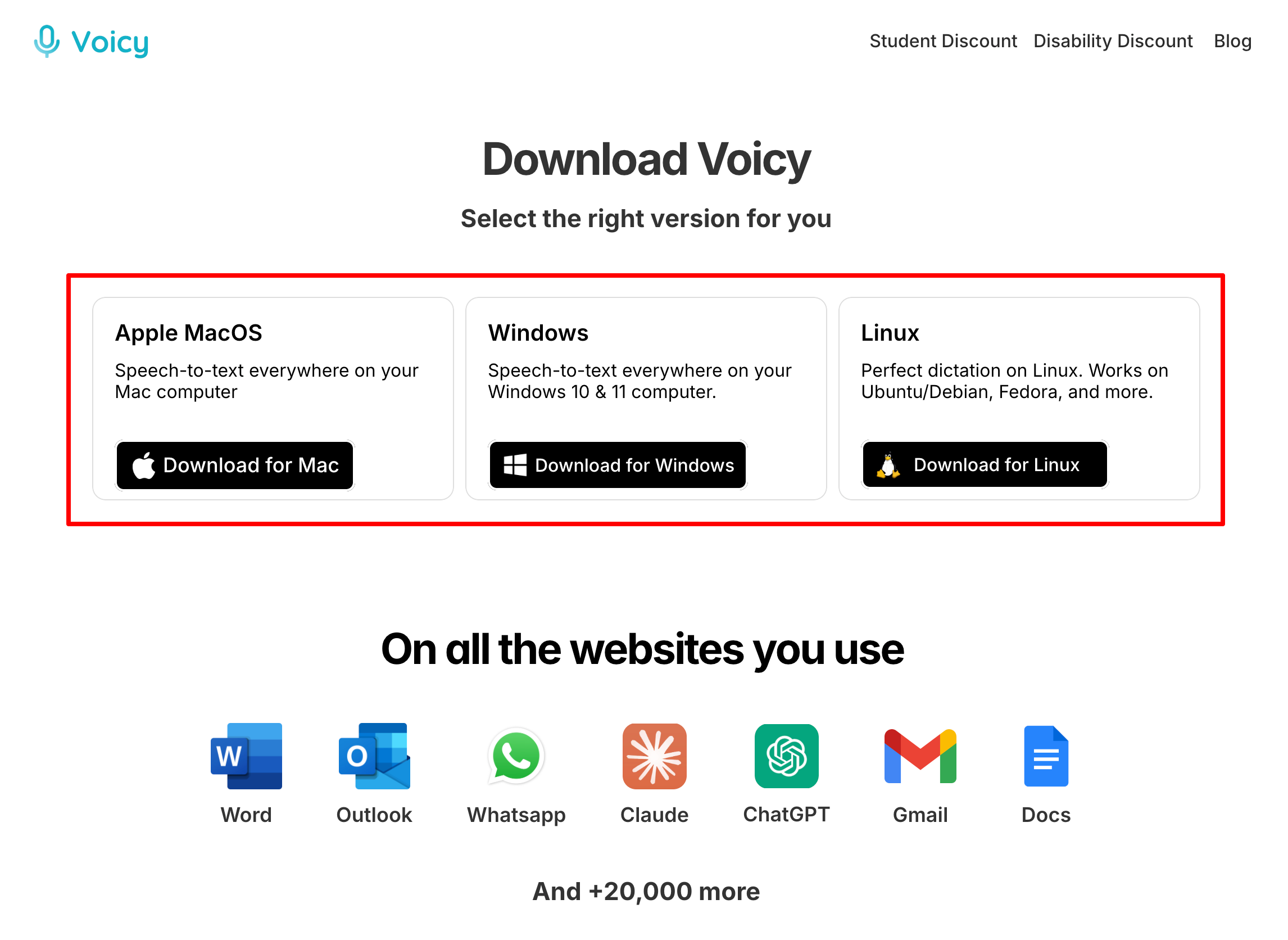
The journey begins at the official portal, where users download the client tailored to their operating system (macOS, Windows, Linux, iOS, Android, or via a dedicated Google Chrome extension). The initial trial provides 30 minutes of recording time with full feature access, requiring no immediate credit card submission.
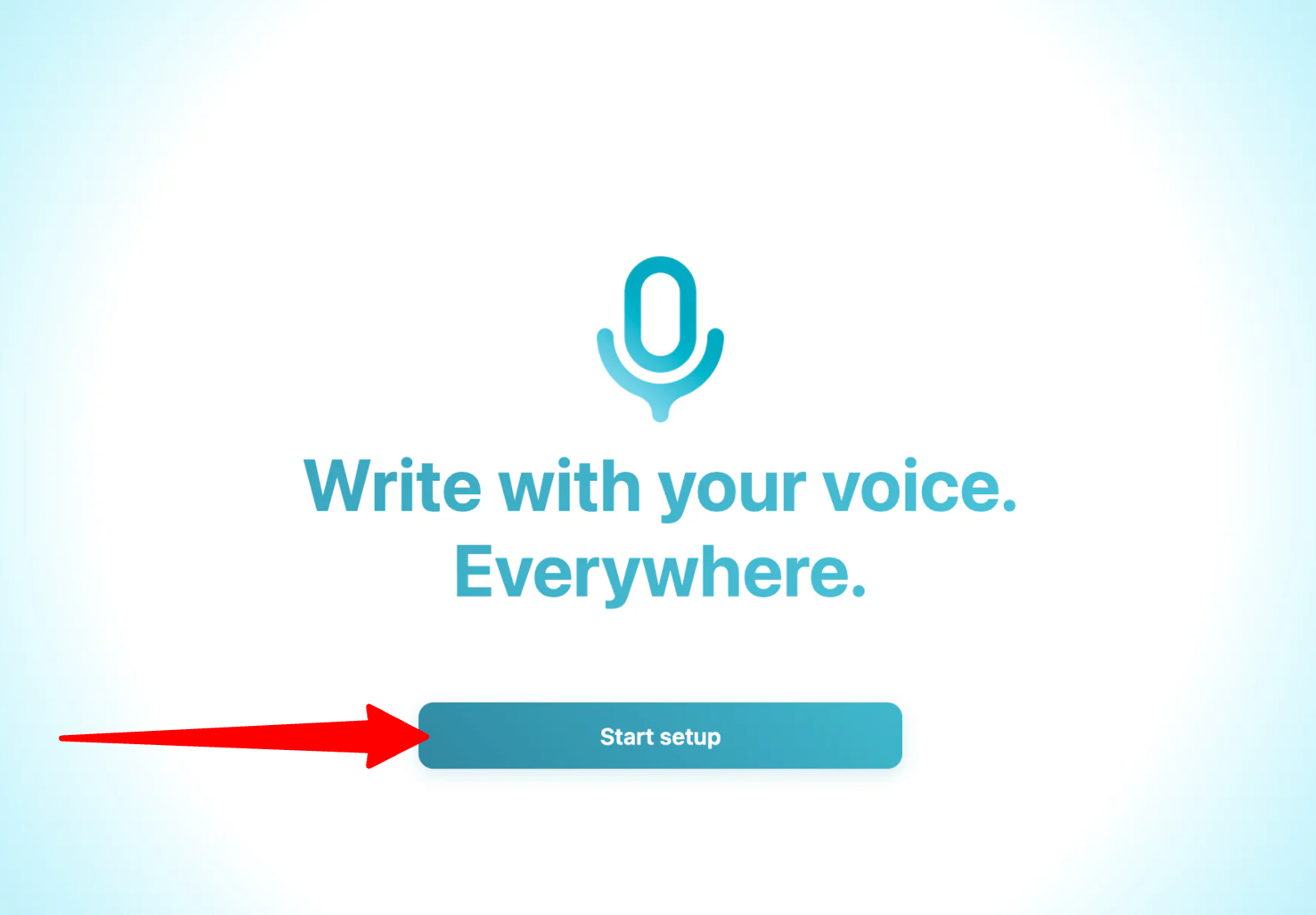
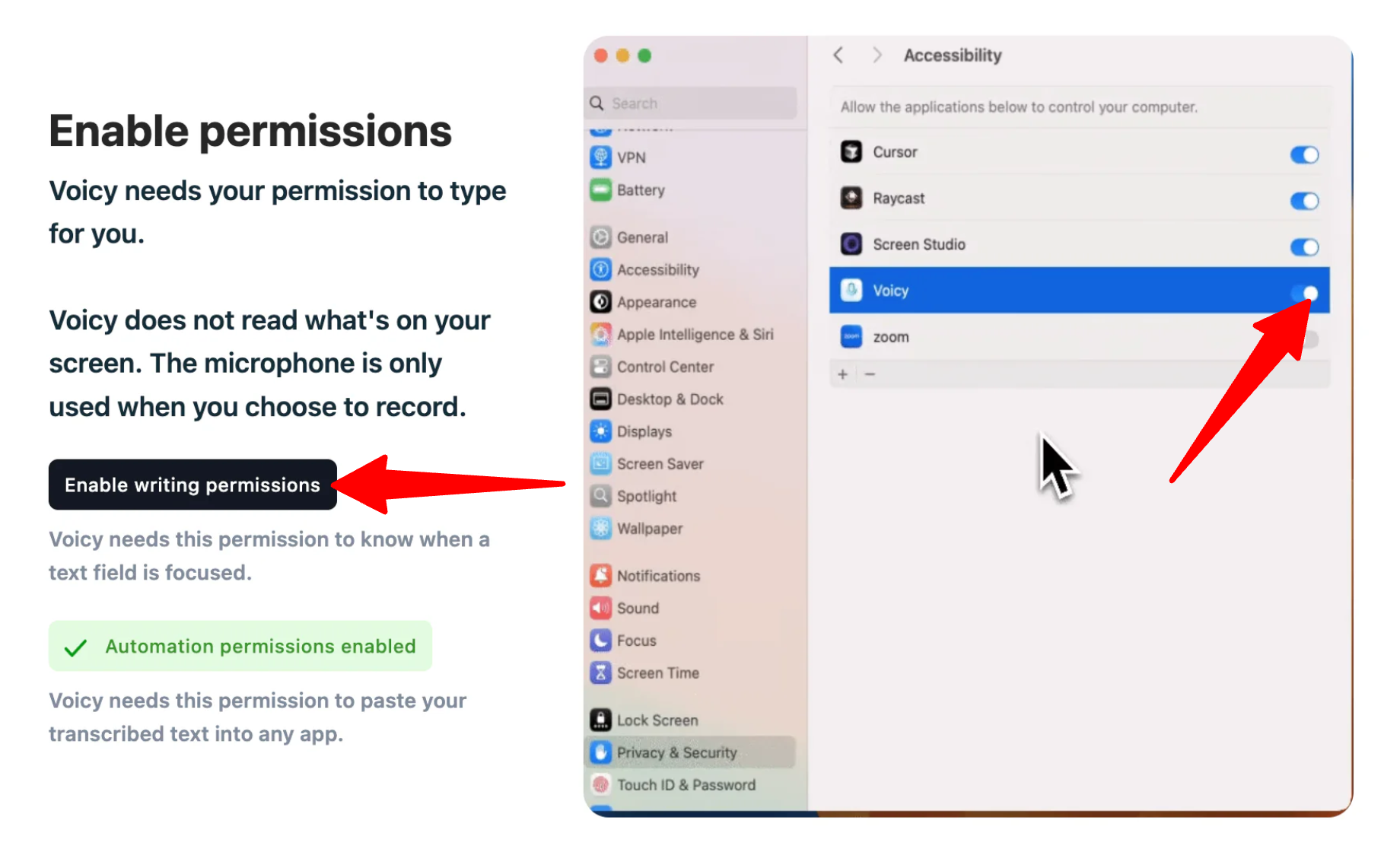
Upon launching the application, the setup wizard prompts the user to grant necessary system-level permissions:
- Microphone Access: To capture high-fidelity audio inputs.
- Accessibility Permissions (Desktop): Crucial for allowing the application to inject rendered, corrected text directly into third-party windows and software environments.
Phase 2: Customization and Preferences
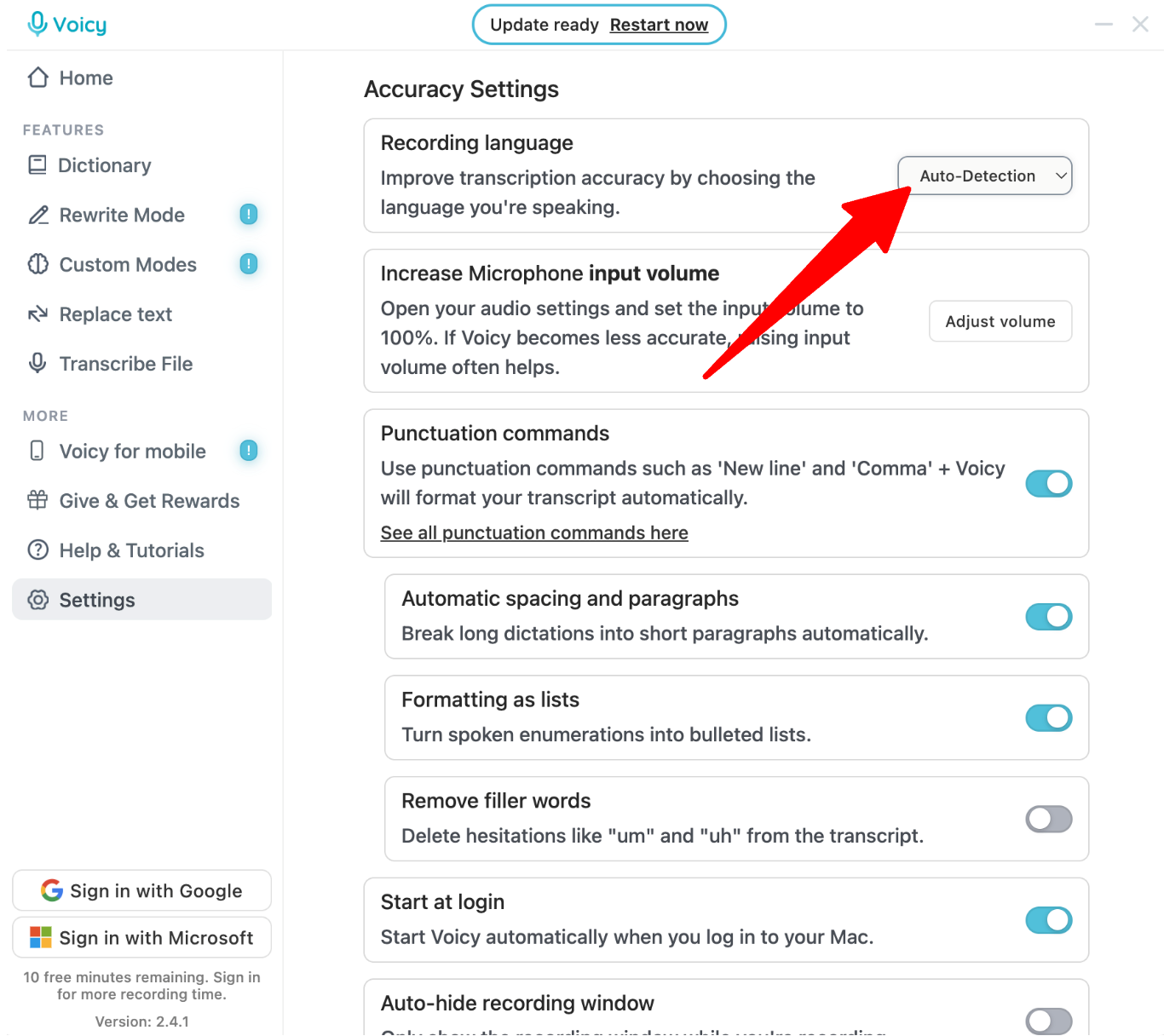
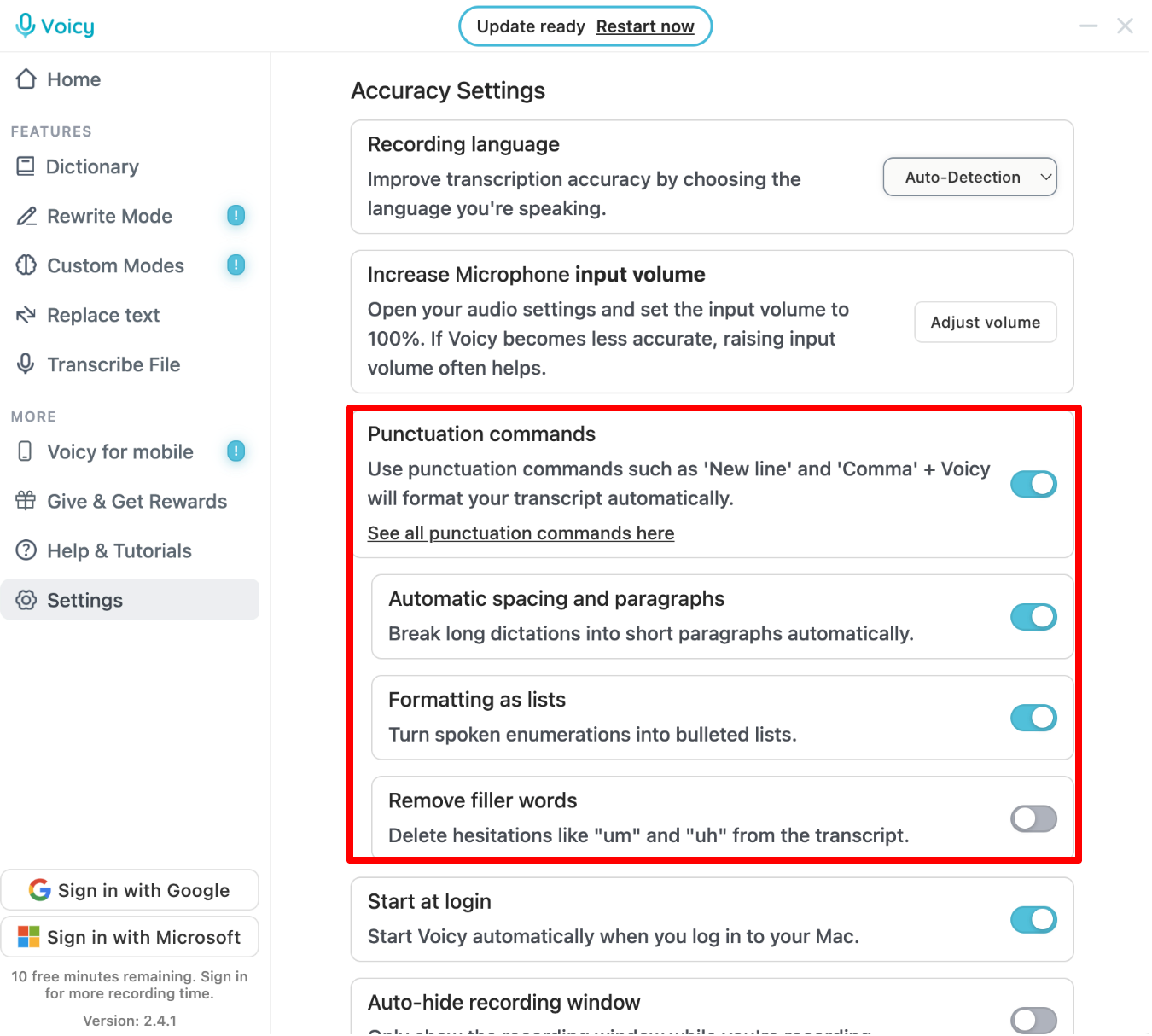
During onboarding, users configure their linguistic and formatting parameters. While the system features an auto-detection mechanism for its 50+ supported languages, manually selecting a primary language visibly enhances transcription precision. Users can toggle preferences for auto-punctuation, capitalization, and filler-word removal (such as eliminating verbal stumbles like "um," "uh," and "like").
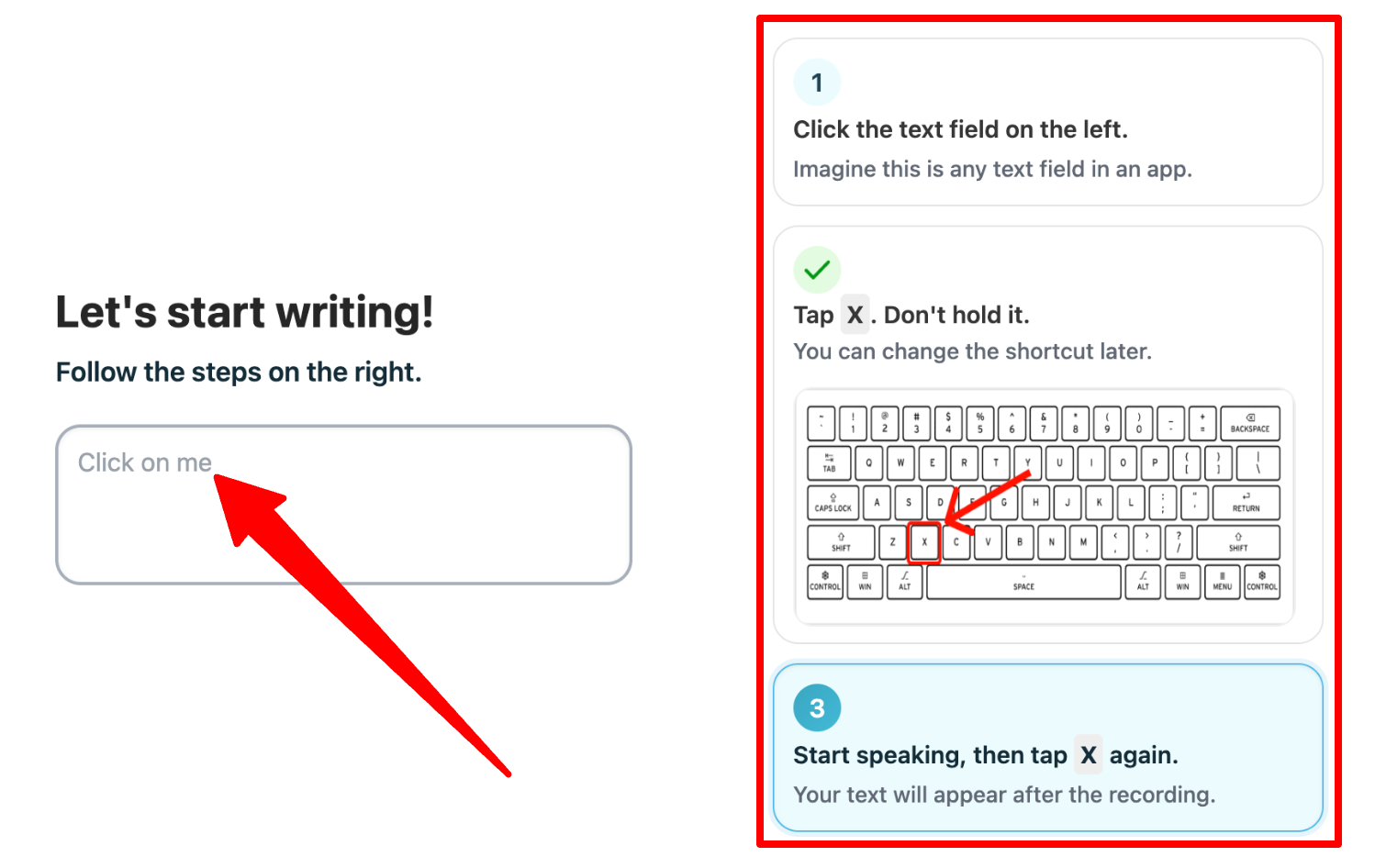
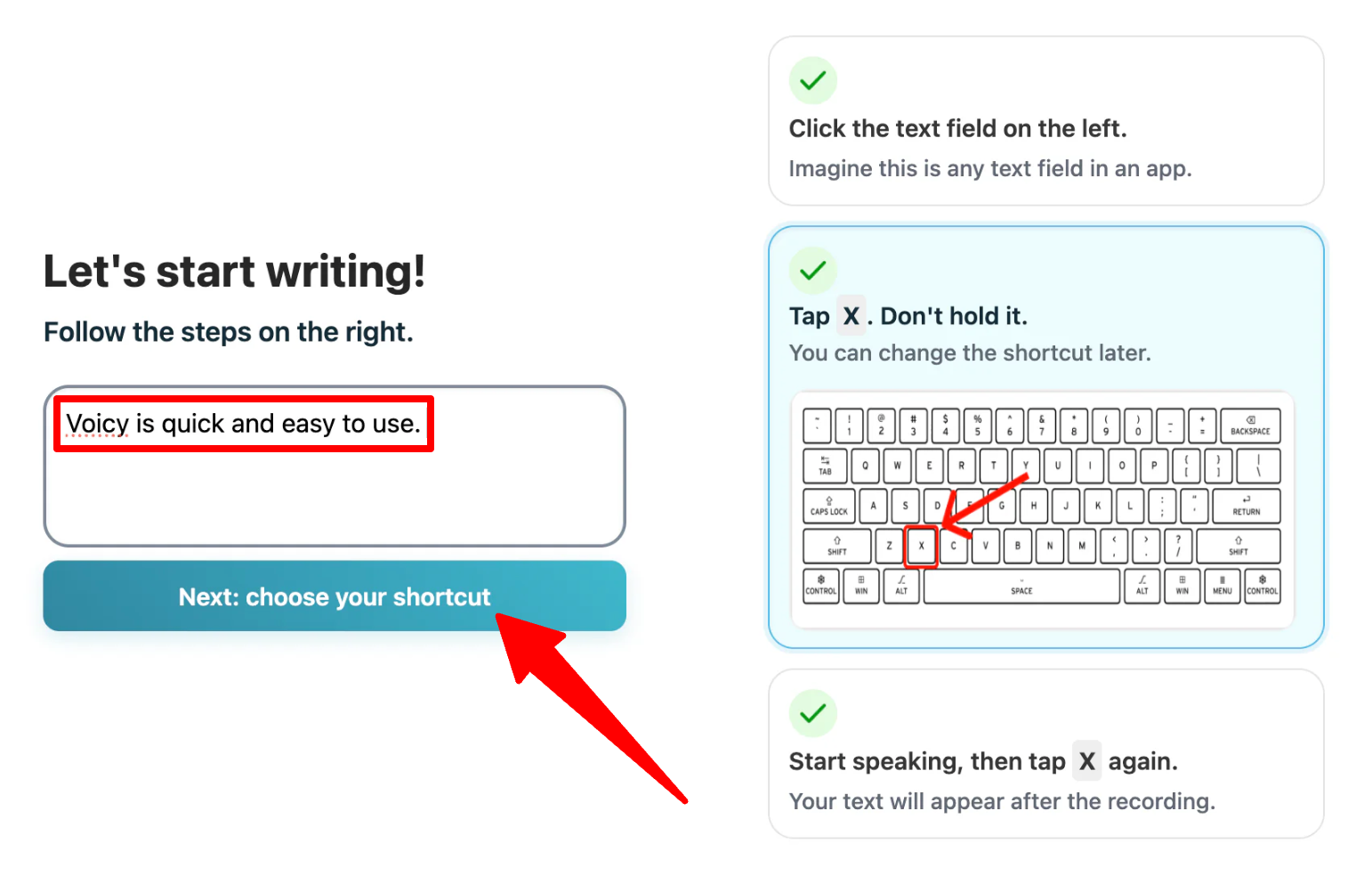
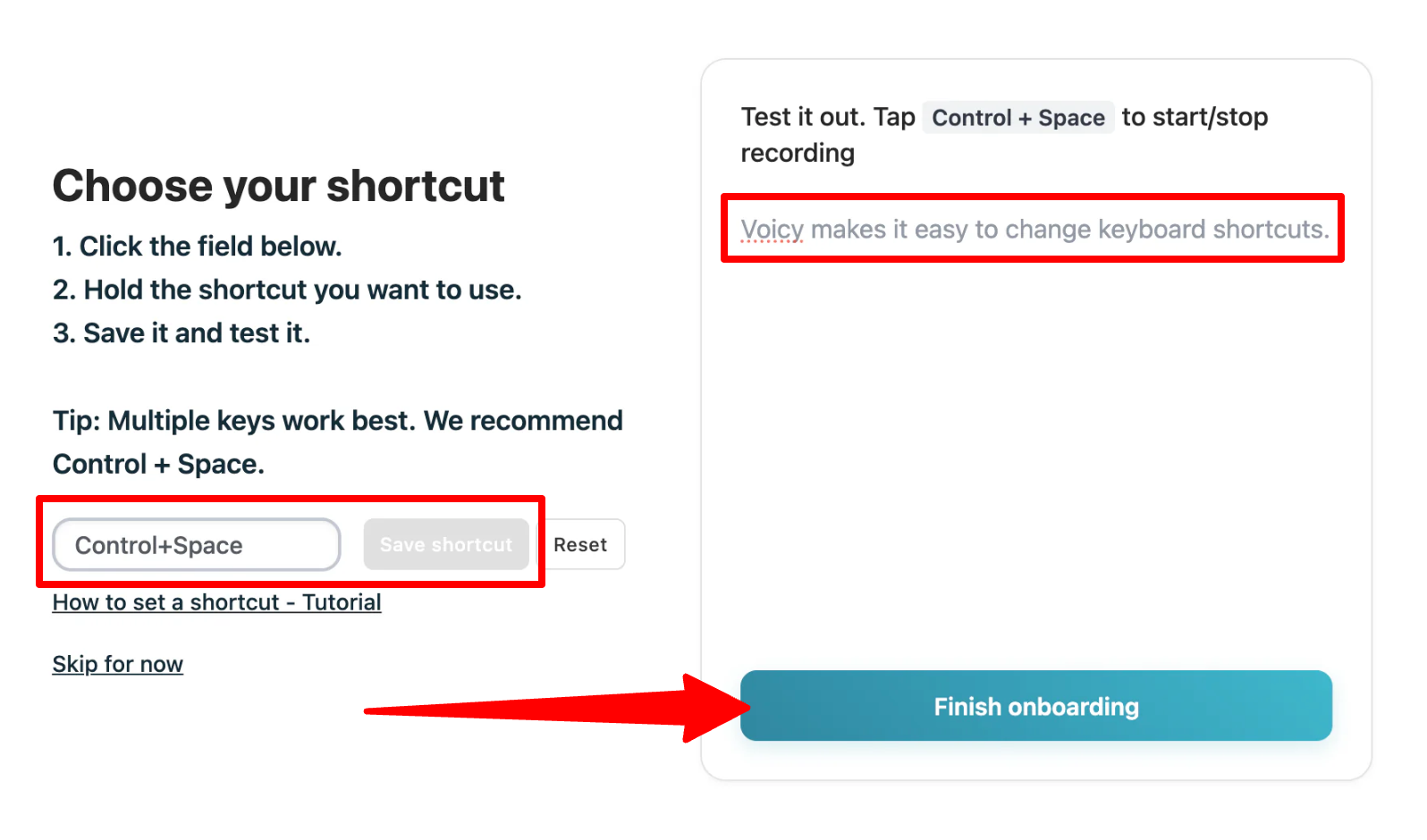
Next comes setting the master keyboard shortcut. Best practices dictate assigning a combination that avoids accidental triggers during standard typing—such as Control + Space or a dedicated hyper-key. Once verified within the onboarding sandbox, the user transitions to active deployment.
Phase 3: Active Dictation and Voice Commands
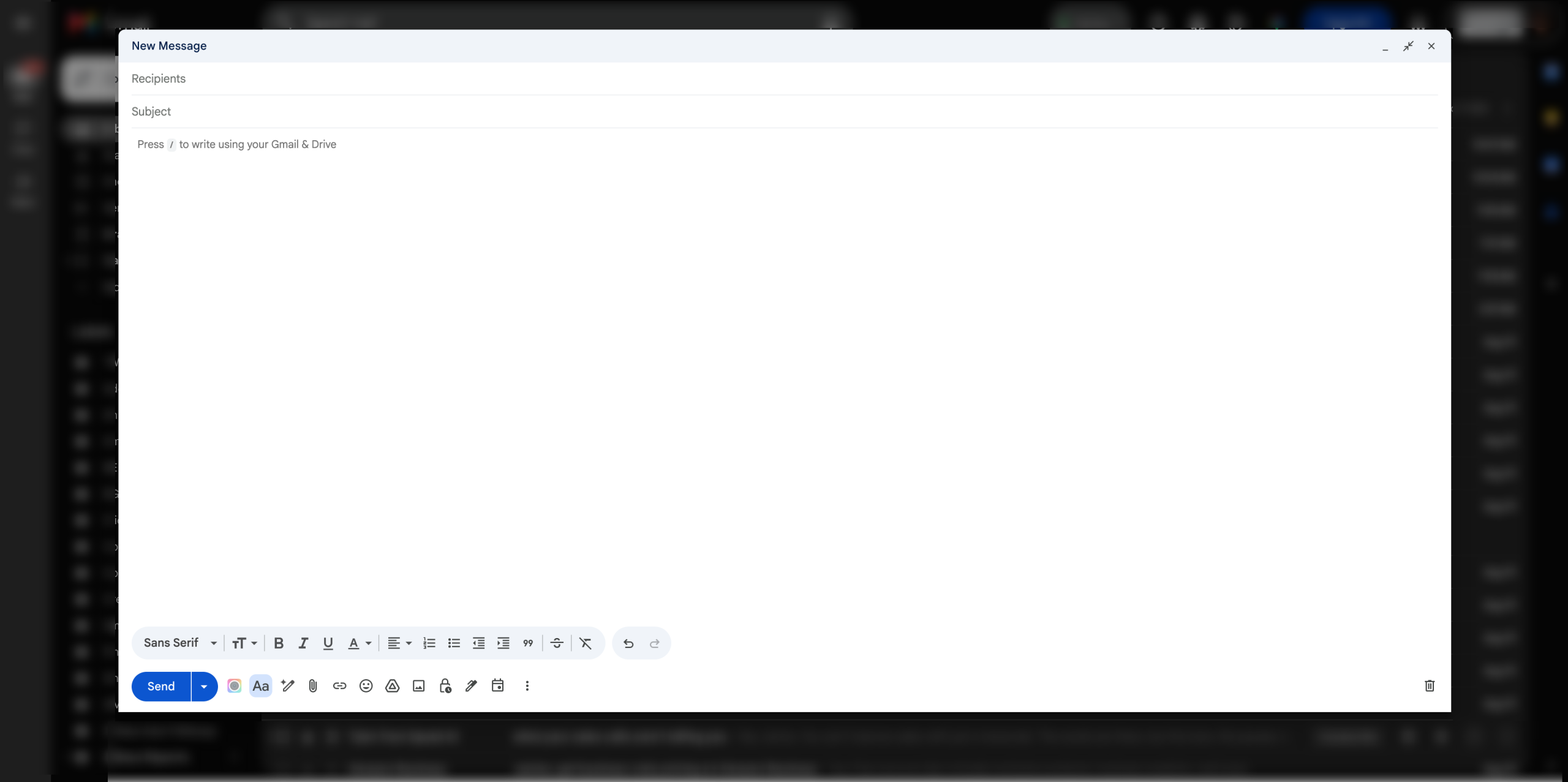
Deploying Voicy inside a live environment—such as drafting an email inside Gmail or structuring a technical brief inside a markdown editor—involves a simple three-step rhythm:
- Click into any active text field.
- Trigger the custom keyboard shortcut.
- Speak naturally at a conversational pace.
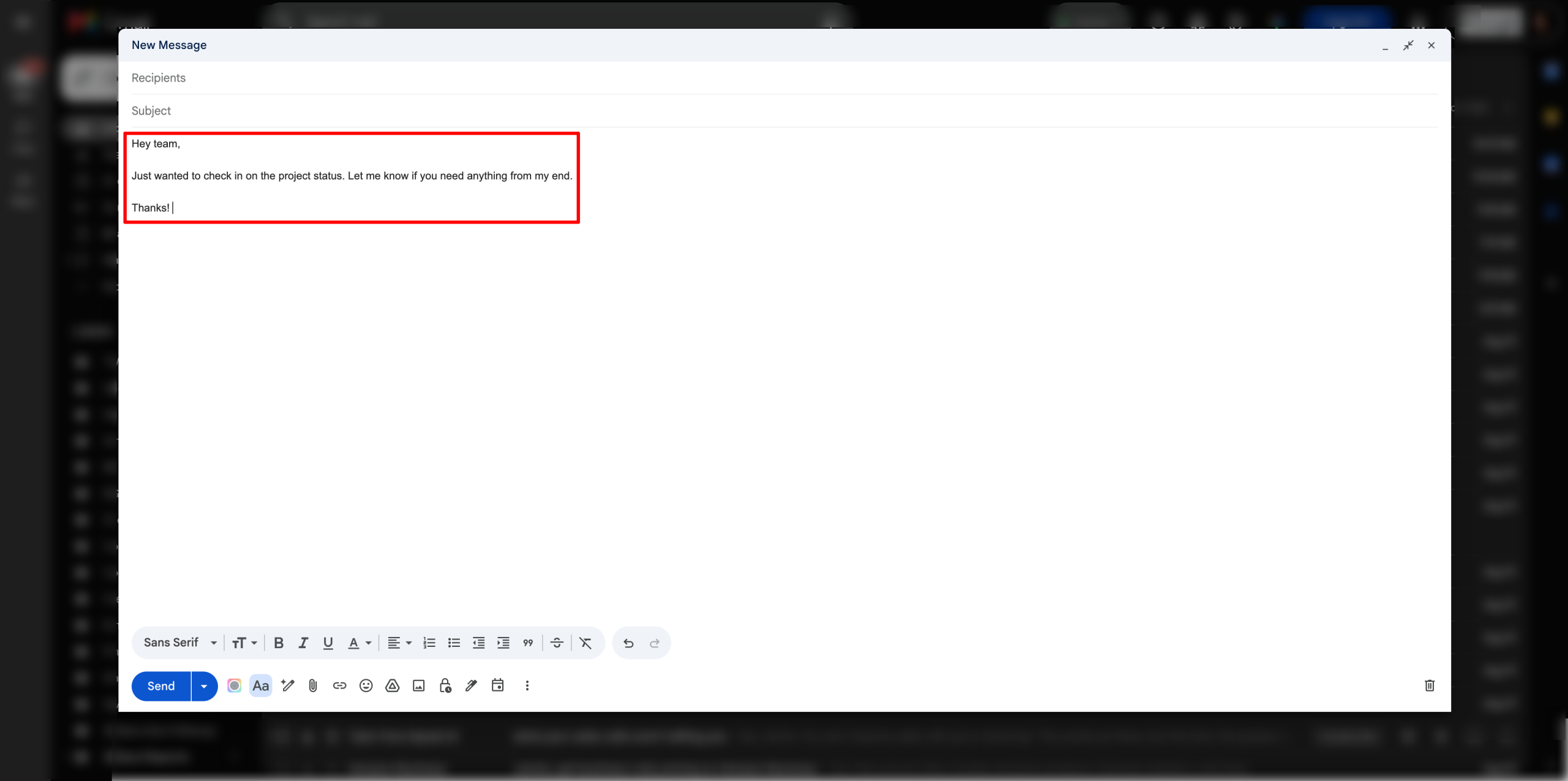
During testing, Voicy processed spoken inputs in real-time, removing stutters, applying context-aware punctuation, and matching the cursor location precisely. Furthermore, users can curate a custom dictionary to ensure industry jargon, proprietary brand names, and niche technical acronyms are spelled correctly on the first pass.
For advanced formatting, Voicy supports natural-language voice commands. Dictating phrases like "New line, bullet point, finish the design review" instructs the AI to execute actual structural edits rather than literally typing out the spoken instructions.
Supporting Context & Metrics: How Voicy Stacks Up
To contextualize Voicy’s market position, we must examine the broader landscape of AI-driven productivity software and benchmark its claims against competing methodologies.
Accuracy and Native OS Comparison
Native dictation tools built into macOS and Windows traditionally hover around 85% to 90% accuracy, frequently struggling with regional accents, overlapping background noise, and unstructured stream-of-consciousness thought patterns. Voicy leverages state-of-the-art neural speech recognition models to claim a 99%+ accuracy threshold. In practice, even when testers intentionally introduced conversational tangents, false starts, and self-corrections, the AI successfully distilled the intent, stripping away verbal debris to output clean, publishable prose.
The Privacy-First Differentiator
In an era where software-as-a-service (SaaS) platforms routinely harvest user data to train proprietary machine learning models, data privacy has become a primary bottleneck for enterprise adoption. Many competitive transcription suites explicitly reserve the right in their terms of service to utilize user audio logs and transcripts for "product improvement."
Voicy distinguishes itself through a strict local-storage architecture. Transcripts and audio data are stored locally on the user’s device rather than routed to centralized cloud servers for model training. For legal professionals, medical practitioners, financial analysts, and software engineers handling proprietary codebases or unreleased intellectual property, this local-first framework eliminates a major compliance hurdle.
Cross-Platform Versatility
Many speech-to-text tools are restricted to a single operating system or browser environment. Voicy’s ecosystem coverage spans:
- Desktop: macOS, Windows, Linux
- Mobile: iOS and Android (via dedicated applications and custom keyboards)
- Web: Google Chrome extension for browser-based workflows
This ubiquity ensures that a user’s dictation habits remain uniform whether they are working on a desktop workstation, reviewing pull requests in a browser, or dictating a quick message on a smartphone.
Comparative Analysis: Voicy vs. Industry Alternatives
While Voicy excels in raw app coverage and data privacy, the AI dictation market is fiercely competitive. Below is a detailed breakdown of how Voicy compares to its primary rivals: Wispr Flow, Speechify Dictation, and Otter.ai.
| Feature / Metric | Voicy | Wispr Flow | Speechify Dictation | Otter.ai |
|---|---|---|---|---|
| Primary Use Case | Universal app dictation | High-speed voice-to-text & rewriting | Reading/writing suite dictation | Automated meeting transcription |
| Supported Languages | 50+ languages | 100+ languages | 50+ languages | Primarily English (with multi-language beta features) |
| App Compatibility | 20,000+ apps & websites | Universal system-wide | Universal system-wide | Meeting platforms (Zoom, Teams, Meet) |
| Privacy Model | Local device storage | Cloud processing / standard enterprise | Cloud-processed | Cloud-processed (Enterprise options available) |
| Pricing / Trial | 30-minute free trial | Tiered subscription model | Free tier available | Free tier with minute limits |
1. Wispr Flow: The Speed and Editing Powerhouse
Wispr Flow positions itself as an elite voice-to-text engine capable of achieving speeds upwards of 220 words per minute. While both Voicy and Wispr Flow offer custom dictionaries, auto-cleanup, and universal app integration, Wispr Flow supports over 100 languages (compared to Voicy’s 50) and heavily emphasizes advanced conversational editing—allowing users to instruct the AI to rewrite, tone-shift, or summarize text entirely through verbal prompts.
- The Verdict: Choose Wispr Flow if you require extensive multi-language support and deep generative rewriting capabilities. Choose Voicy if local data privacy and universal compatibility across 20,000+ apps are your top priorities.
2. Speechify Dictation: The Ecosystem Play
Speechify is widely recognized for its text-to-speech reading software, but its dictation arm offers a robust voice-typing utility. Operating at roughly four times the speed of manual typing, Speechify Dictation includes filler-word removal and supports over 50 languages. Notably, Speechify currently markets its voice typing features for free without a strict subscription wall, whereas Voicy limits its free tier to a 30-minute trial.
- The Verdict: Choose Speechify Dictation if you are already embedded within the Speechify ecosystem and desire a free baseline tool. Choose Voicy for a dedicated, distraction-free writing utility built specifically for heavy-duty content production.
3. Otter.ai: The Meeting Companion
It is important to draw a functional distinction between dictation tools and meeting transcription services. Otter.ai is engineered specifically to join virtual conferences on Zoom, Microsoft Teams, and Google Meet, synthesizing multi-speaker dialogues into actionable meeting notes and summaries.
- The Verdict: Choose Otter.ai if your primary bottleneck is capturing group conversations and conference calls. Choose Voicy if your goal is solo content creation, drafting emails, and writing code in your own voice.
Future Outlook: The Trajectory of Voice-First Computing
As natural language processing models grow increasingly sophisticated, the barrier between human thought and digital execution continues to shrink. The evolution of tools like Voicy points toward a future where the mechanical keyboard transitions from an indispensable input device to an auxiliary tool used primarily for code syntax fine-tuning or late-night silence.
However, several industry challenges remain on the horizon:
- Acoustic Environments: While AI models excel at filtering out ambient noise, open-office environments and public spaces still present social and technical friction for voice-first workers. Future iterations of dictation software will likely require advanced localized noise-cancellation models that isolate whispered or sub-vocalized speech.
- Contextual Intent and Formatting: Users increasingly demand not just transcription, but active transformation. The integration of large language models directly into dictation pipelines means tools will soon anticipate stylistic nuances, automatically adapting tone depending on whether the user is dictating a formal legal brief, a casual Slack message, or a technical bug report.
- Hardware Integration: We are likely to witness the proliferation of dedicated hardware—ranging from smart rings and lapel pins to AR glasses—designed to summon AI dictation layers instantly without relying on desktop shortcuts.
Conclusion and Final Verdict
Voicy delivers on its core value proposition: it is a fast, highly accurate, and privacy-conscious speech-to-text utility that bridges the gap between thought and execution. By processing audio locally and sidestepping the data-harvesting practices common in the SaaS industry, it earns a high degree of trust from professionals handling sensitive information.
While the 30-minute free trial feels restrictive given how quickly users adapt to talking instead of typing, and while it lacks some of the advanced generative editing suites found in competitors like Wispr Flow, its unmatched app compatibility and frictionless performance make it one of the premier dictation apps currently available on the market.
For writers, developers, executives, and anyone suffering from repetitive strain injuries or typing fatigue, Voicy represents a compelling investment in operational velocity. To test its capabilities within your own daily workflow, consider starting a free trial and experiencing firsthand how removing the keyboard bottleneck transforms digital productivity.

